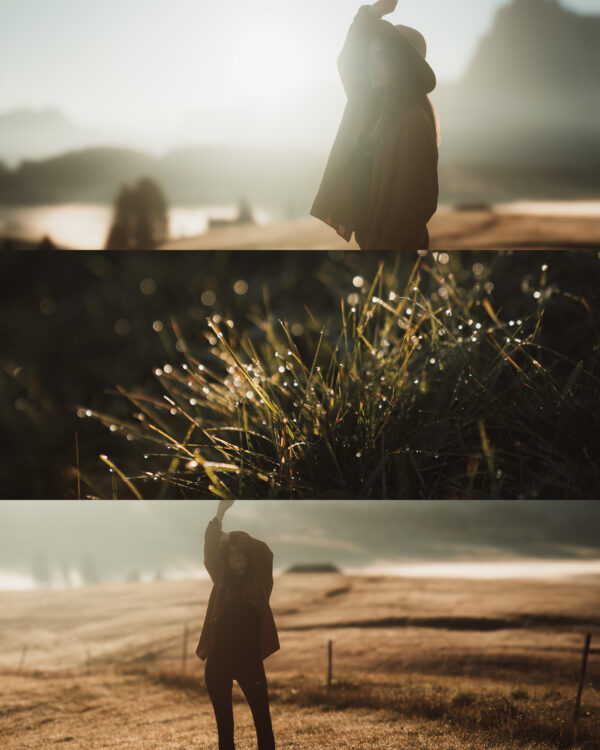
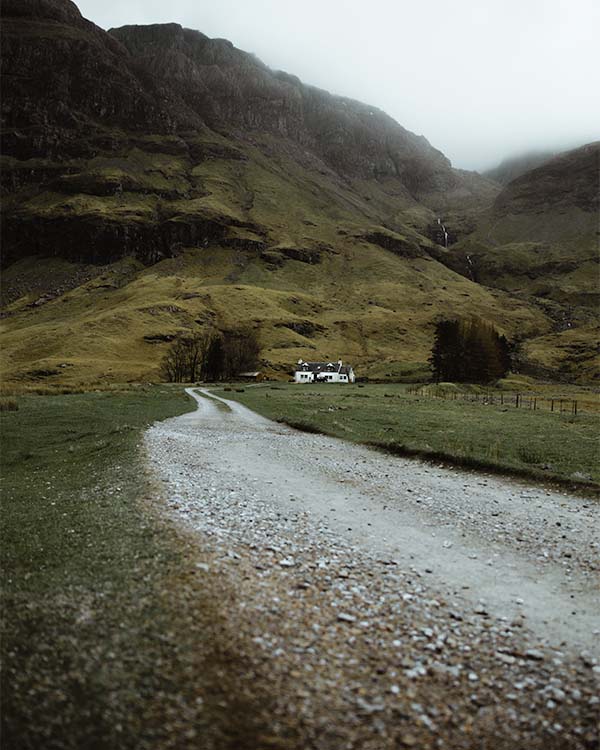
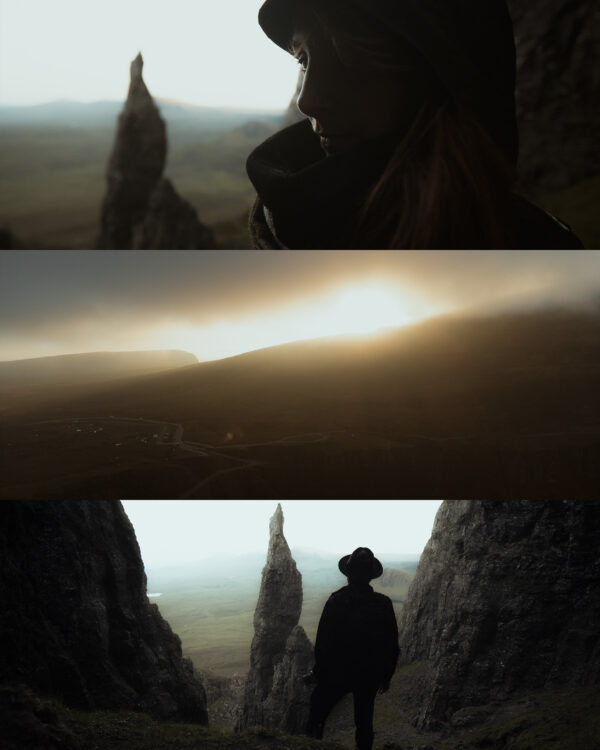
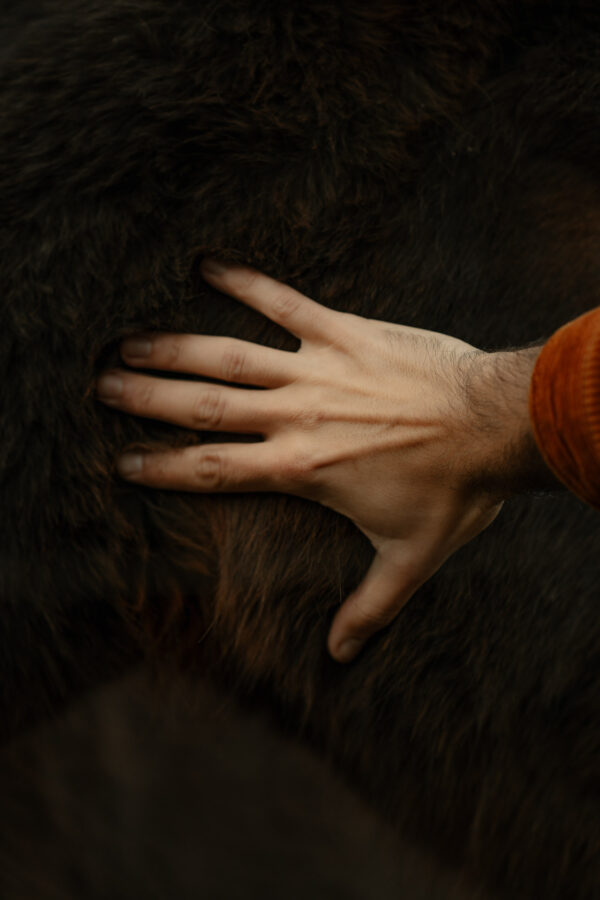
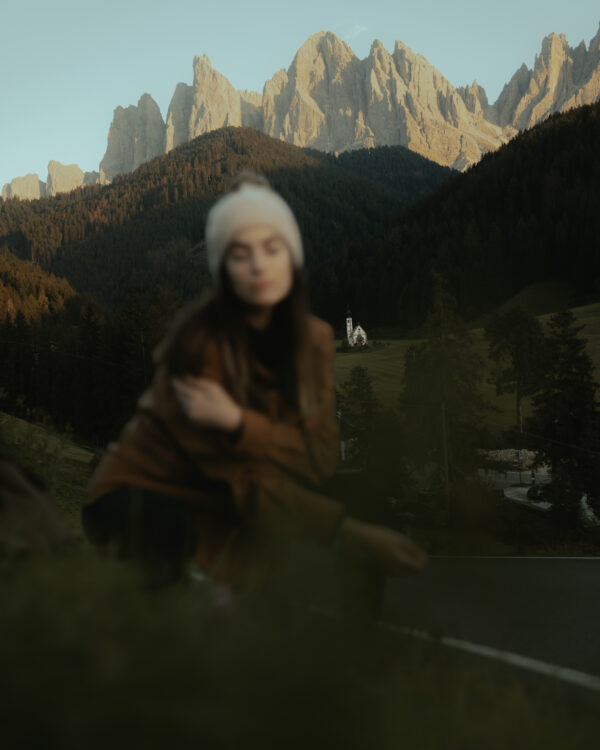
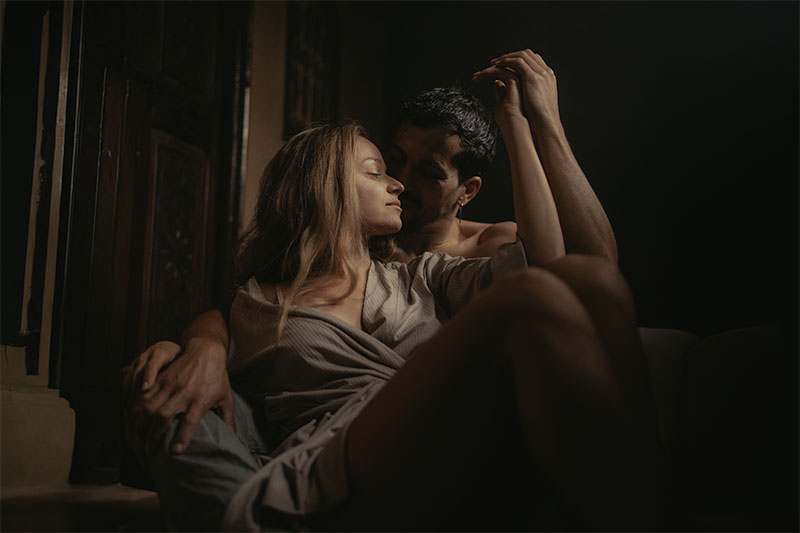
If you spend more than 5 minutes editing curves and don’t get the results you want, it’s because you’re using them incorrectly.
Here are 20 professional curves designed to achieve high-end effects without the headache that comes with not mastering them.
Have you thought about the impact this could have on your Instagram or your portfolio?
You can achieve the same effects in your photos as the top photographers whose work everyone looks at with envy. It could be a game-changer to transform your photos into more attractive, powerful, and memorable images in just a few minutes.
These curves are for photographers who already know what they’re doing. If you’re just starting out, they can still be useful, but they work especially well on great photos.
And not only will you save time, but you’ll also know what works and what doesn’t for your photo, without relying on “miracle” presets. You can apply them to any image because they are specifically created so you don’t have to wonder if they’ll work. I’ve already done that work for you.
Get the tools used by those who edit with ease and at a professional level.
THE TOOL MASTERED BY THOSE WHO TRULY KNOW HOW TO EDIT.
THESE CURVES ARE THE FOUNDATION FOR ALL THESE EDITS:
if you buy:
You get the 20 curves and the editing experience.
All available for Lightroom Classic, CC, Camera RAW, and Lightroom Mobile. Everything is clearly explained so you won’t have any doubts.
If you don’t buy, you’ll have an extra $9 in your account and the doubt of how your edits could have looked with this material and what you would have learned from the experience.
All presets work on any version of Lightroom, Lightroom CC, and Lightroom Mobile, as well as any version of Camera RAW.
Can I install the presets on multiple computers?
On as many as you want.
Is the pack final, or will you update it with new presets?
Every time I create a new curve, you’ll receive it by email.
I don't have experience with Lr, can I still use them?
As long as you know how to install them. The rest is just choosing the curve that best suits what you want for your photo and adjusting the other parameters.
Do you explain how to install them?
No, but if you don’t know how to install presets, it’s 2025 and YouTube is full of tutorials that will help you do it.